Checklists to keep you consistent.
A checklist captures the way you inspect. Build it once and every area gets checked the same way, whoever is on site.
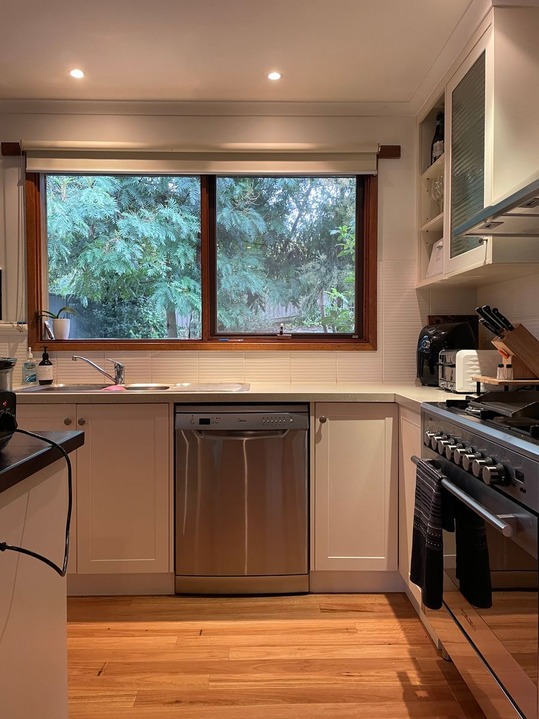
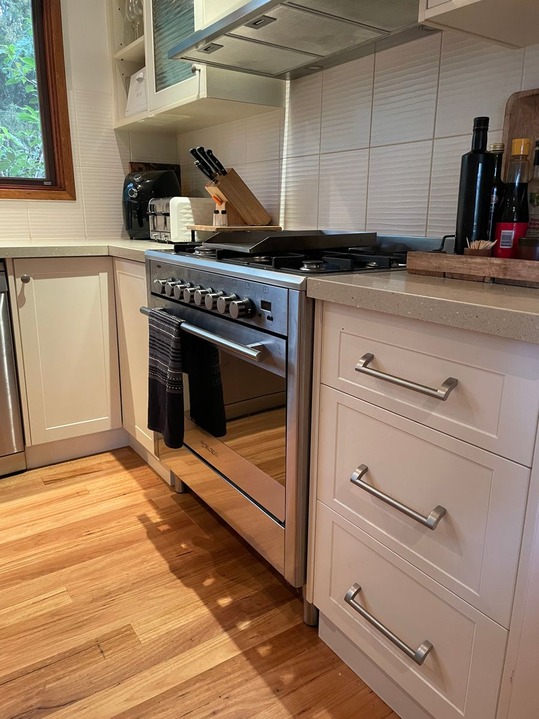
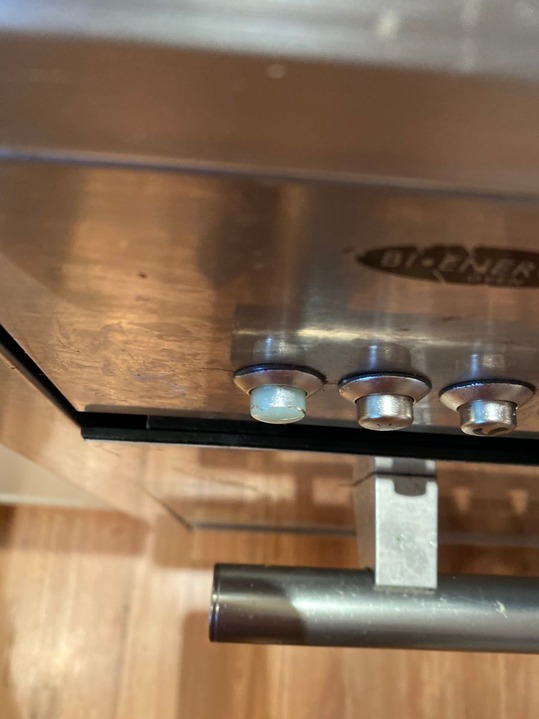
Every item, on the record.
For each thing you check, capture what you found and the proof to back it up.
A clear verdict
Mark each item No Issues or Requires Attention, so the condition is never ambiguous.
Photo evidence
Attach photos and video to the area you're inspecting. They sit with that area in the report, right alongside your notes.
A quick note
Add detail where it matters, like a scratch, a stain or a missing fixture, without slowing down.
Template applied
Move-in inspection
Inspection templates
Save your most commonly run inspections as templates. Your areas and checklists are ready before you arrive.
Learn more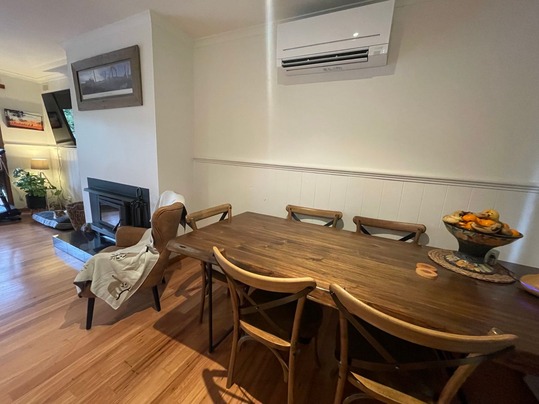
Photos and video
Capture full-resolution photos and video as you walk, attached to the right area every time.
Learn moreThings people ask
How do condition checklists work?
Can I customize the checklists?
Do photos attach to individual areas?
Do the results go straight into the report?
Inspect the same way, every time.
Start your trial today. Walk your first inspection and let the checklist make sure nothing gets missed.