Review before signing, for every report.
Anyone signing can add their two cents (plus photos and video) first.
Added by Tessa Tenant
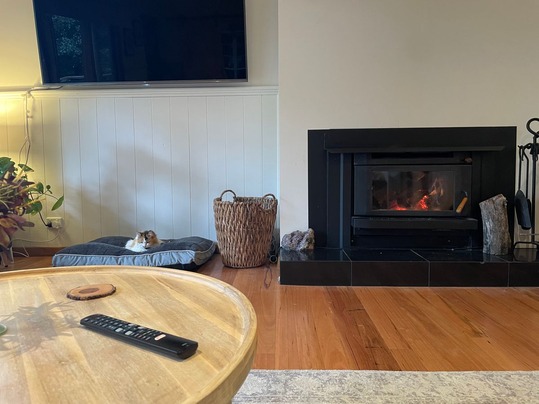
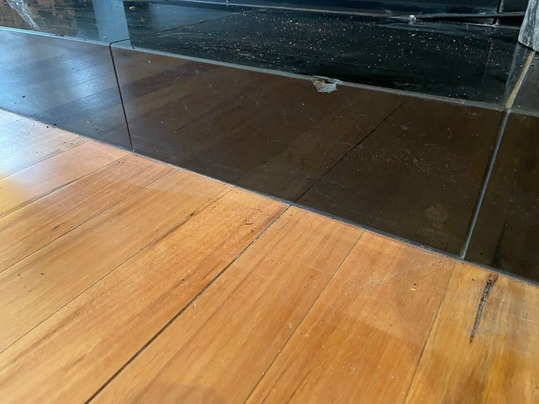
Notes:
One of the tiles in front of the fireplace is chipped.
How it works.
Anyone you ask to sign can add what they saw to the report first.
Share the report. Send the secure link to your tenant, landlord, or manager. They open it in any browser, with no account needed.
They add what they saw. Notes, photos, and video, added to the right room. They can change it all until they sign.
Then they sign. Once they're done reviewing, they sign from the same link.
You hear about it. When they sign, you get an email listing every room they reviewed, with their notes.
Right there in the report.
What they add sits in the room it belongs to, under their name, in the digital report and the PDF. Your findings stay exactly as you wrote them.
Learn about PDF reports →
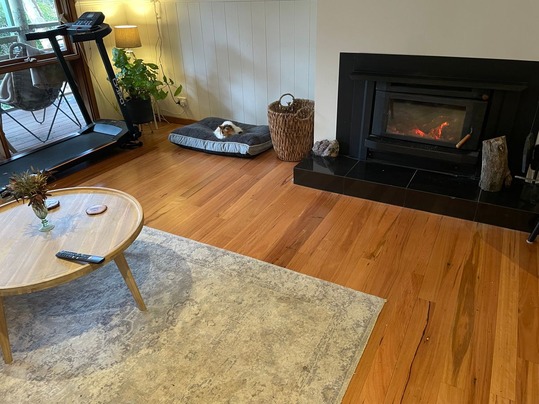
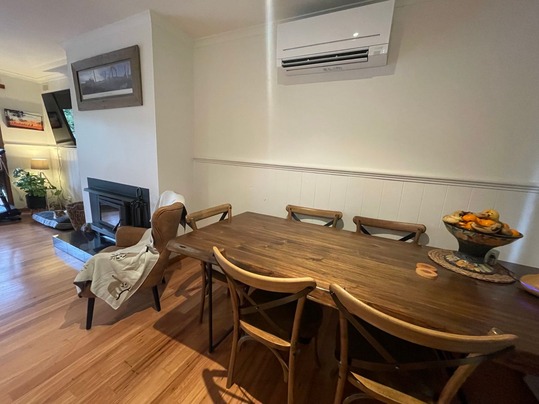
Notes: Carpet clean, walls freshly painted.
Added by Tessa Tenant
Notes:
One of the tiles in front of the fireplace is chipped.
Related features
Continue exploring myInspections

Share report
Anyone with the link can view. No account required.

LANDLORD
Jenny Jackson
Things people ask
Do they need an account or the app?
Can they change what they've added?
How do I find out what they added?
Does it show in the PDF?
Which plans include it?
Get a report everyone agrees on.
Start your trial today. Share your next report and let everyone review it before they sign.