Inspection app for property managers
From your first property to your fiftieth: walk it, capture everything, and hand over a signed, branded report before you're back at the office.
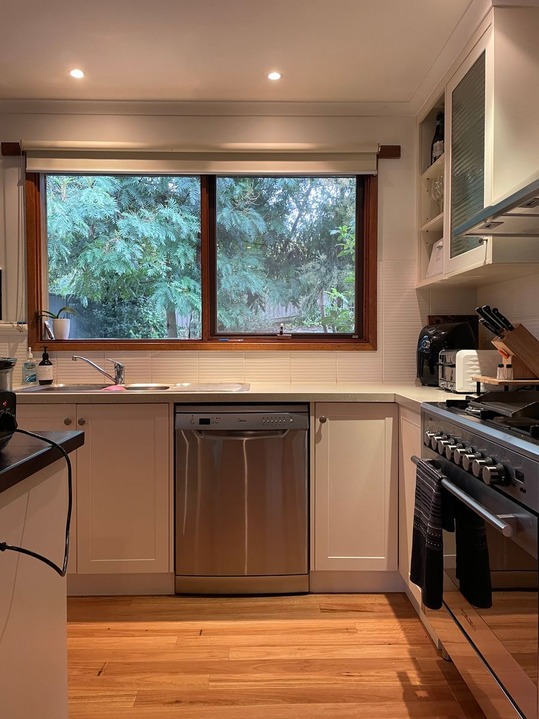 0:14
0:14
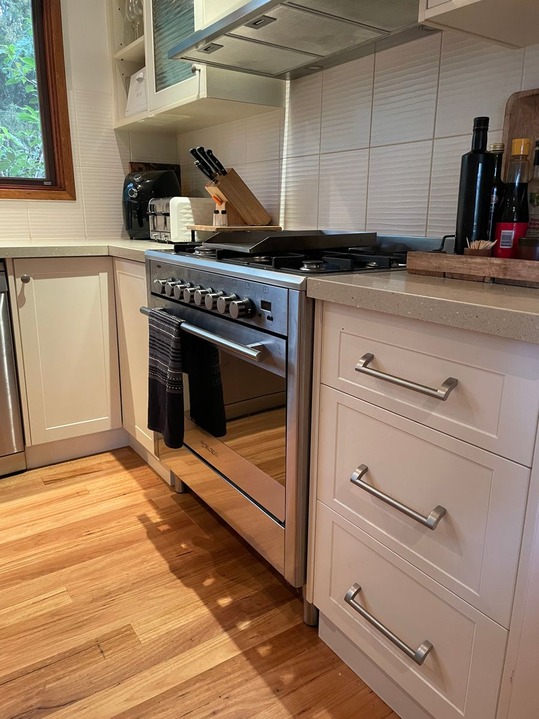
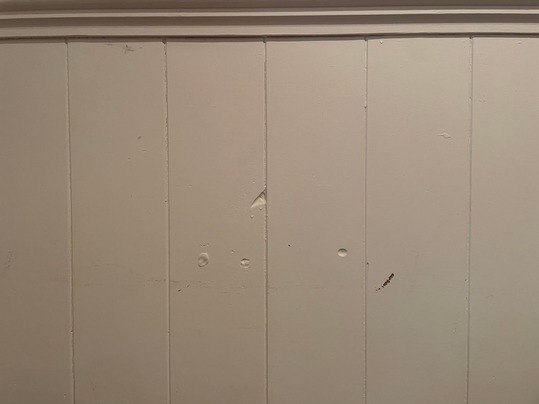
Counter scratched near the sink
EditKitchen template applied
6-point checklist
Tested and working. Batteries due at the next visit.
inspections performed in countries
From front door to polished report, before you leave the property.
myInspections covers the whole workflow, from setting up a property to collecting signatures.
1. Add your properties and your inspection templates.
Bulk import your portfolio with our AI-assisted tooling, then save the inspections you run most as templates: the areas you walk in order, with your checklist for each one. Any inspector who visits follows the same structure, so every report comes out the same shape.
Template applied
Move-in inspection
2. Walk the property with your phone.
Document each area as you go: photos, video walkthroughs, checklist ticks, and notes, all in the app. No file transfers, no separate notes app.
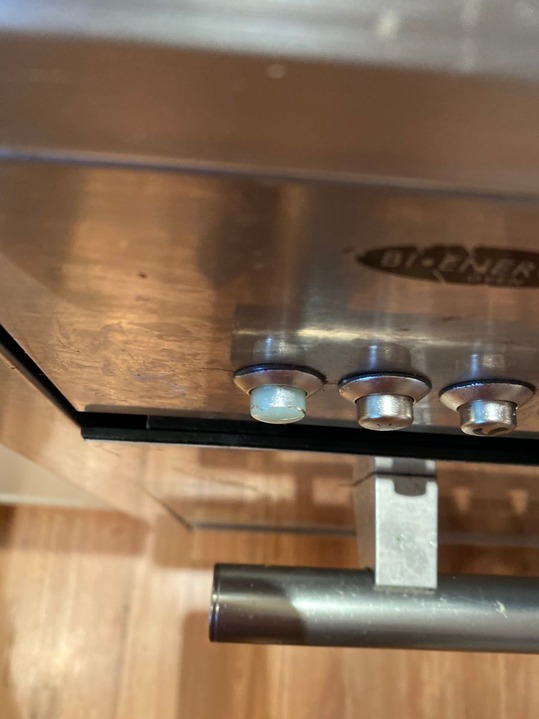
3. Draw attention to what matters.
See damage or something worth flagging? Circle it, add an arrow, or draw right on the photo. Whoever reads the report sees exactly what you saw.
Oven knob cap is missing
4. Generate the report with one tap.
A branded PDF is ready immediately: cover page, room-by-room summaries, photos in place, and a maintenance appendix, formatted automatically. No Word doc, no copy-pasting, no desktop.

Move-in inspection
123 Example Street, Nelson 9876 New Zealand
Performed 29 Sep 2026 by Jenny Jackson
Signed by: Jenny Jackson, Sam Ooden, and Tessa Tenant
Kitchen
Oven knob cap missing
5. Share and sign before you leave the property.
Send a live digital link or the PDF. If a signature is needed, the tenant reviews and signs on your phone on the spot, or in their own browser later. Done before you're back in the car.
Share report
Anyone with the link can view. No account required.
Template applied
Move-in inspection
Oven knob cap is missing
Move-in inspection
123 Example Street, Nelson 9876 New Zealand
Performed 29 Sep 2026 by Jenny Jackson
Signed by: Jenny Jackson, Sam Ooden, and Tessa Tenant
Kitchen
Oven knob cap missing
Share report
Anyone with the link can view. No account required.
Move-in inspection
123 Example Street, Nelson 9876 New Zealand
Performed 29 Sep 2026 by Jenny Jackson
Signed by: Jenny Jackson, Sam Ooden, and Tessa Tenant
Kitchen
Oven knob cap missing
Professional reports, signed on the spot
A defensible record, hosted by a third party, that you can stand behind if there's ever a dispute.
Team
+ InviteJenny Jackson
jenny@email.com
Alice Bumblethorpe
alice@email.com
PENDING INVITATIONS
Cam Wobblegate
cam@email.com
Assigned to Cam W.
Routine · 123 Example St
Your whole team, one standard.
Shared inspection templates carry your process: the areas you walk in order, and the checklist for each one. Whether you're onboarding your second inspector or your twentieth, the standard is already set.
Inspections
123 Example St
Routine · every 3 months
8 Willow Lane
Routine · every 6 months
512 Harbor View
Move-out · one-time
27 Maple Grove
Routine · every 3 months
Reminder sent
123 Example St · due Friday
Run the whole portfolio from your desk.
See what's overdue, coming up and done, and let myInspections chase the dates so nothing slips.
Quite well-liked by property managers.
What people running inspections every day have to say.
The app works just fine. It's easy to use, has all the necessary options to make your site inspections easy. We're a team of 5 using the app and doing plenty of inspections. The app is a great tool that made our life easier when it comes to inspections, and it's simply faster. We have had a problem with the search button, which got fixed quickly after reported. Many thanks again.
Our team uses this app to perform and create home inspections for nearly 40 rental units. The app functions well, the developers are responsive to feedback on performance and improvements. Makes communication about issues for homeowners and cleaning team easy.
I love how simple this app is to use. The photos and comments are signed, shared, can be edited, signed then stored. You can select first or routine or final inspection. Any previous inspection report can be accessed easily so it's a great reference. An inspection can be printed if need be.
Been doing inspections for 4 years with clients using all kinds of other inspection apps and this is by far the quickest to learn, quickest to use, and gives the best look and layout of the reports to clients. Perfect for doing quick short-term Airbnb inspections and easy enough that I've taught the cleaners how to use it.
If you have dozens of properties use this app. It will allow you to make all sorts of checklists. You can have 50 properties, select a property and the checklist or checklists fall under a "template". I use 1) general liability outdoors 2) general liability indoors 3) hvac 4) electric 5) roof 6) fire safety. Your properties will be organized and you will operate at a higher mode. Don't need iPad. iPhone will work fine.
Easy to use. The app provides a useful interface for logging any of your various inspections during the life cycle of a tenancy. Many thanks for creating a very useful program.
Purpose built inspections app. Does exactly what we expected, and lots of nice, convenient surprises. Recommend it to mates all the time.
Myinspections is awesome! Very intuitive and keeps track of everything in the one spot. The unlimited photo & video storage is a big plus to make sure every little detail of the property is covered. 💯
Saves a lot of time and easy to maintain history and stay compliant. Highly recommend it.
Perfect for property inspection reports. Saves time and I find it very easy to use.
Pick a plan, start inspecting.
Manager
$25 / month
- Unlimited inspections
- Unlimited properties
- Inspection templates
- 3 seats
- Branded reports
- Assign, plan and delegate
- Free assisted setup
No contract, cancel anytime
Start your 14-day trialTeam
$50 / month
- Unlimited inspections
- Unlimited properties
- Inspection templates
- Unlimited seats
- Branded reports
- Assign, plan and delegate
- Free assisted setup
No contract, cancel anytime
Start your 14-day trialEvery paid plan also includes unlimited storage, the web interface, condition checklists and photo annotation.
Things people ask
What does a myInspections report include?
Can I customize the checklists?
How quickly can I run my first inspection?
Does myInspections work for a team of inspectors?
What happens to my existing records if I switch?
Some of our resources
Your first report in under an hour.
Set up a property, walk it with the app, and you'll have a shareable, signed report before you're back at the office.