Used by
public housing authorities
and
affordable housing providers
across the US.
Why myInspections
Purpose built for inspections, and the teams who run them.
NSPIRE inspection
Move-out inspection
Move-in inspection···
Living room
Kitchen
Main bedroom
Bathroom
Template applied
Move-in inspection
One place
Every inspection your team runs, in one place.
Move-in, routine check-ups, move-out, and NSPIRE all start from templates in our library, so every report comes out the same shape and lands under the unit it belongs to.
Inspectors pick it up without training. We work hard to keep it simple, with powerful features underneath, and teams often choose us after trying other apps.
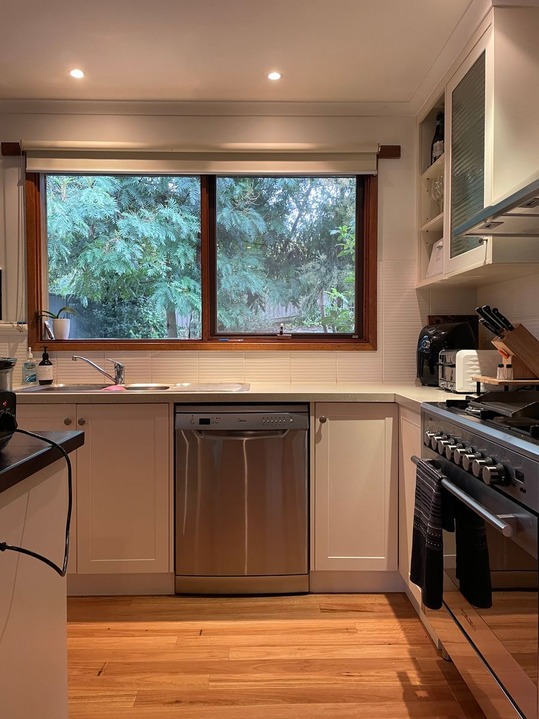
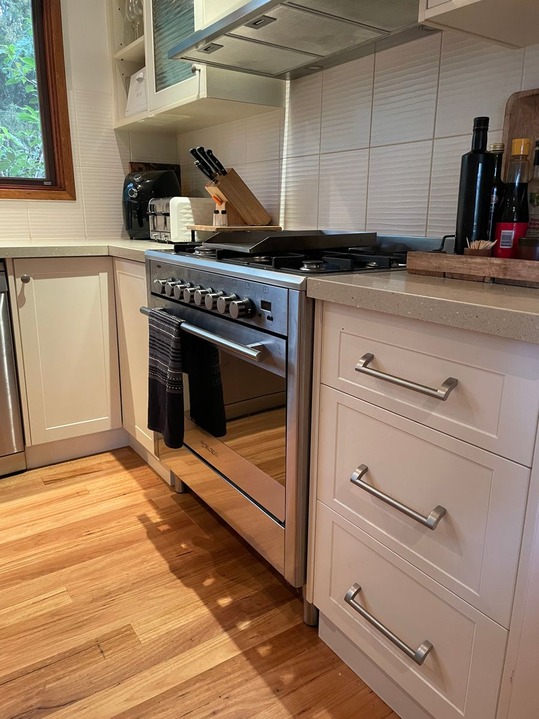
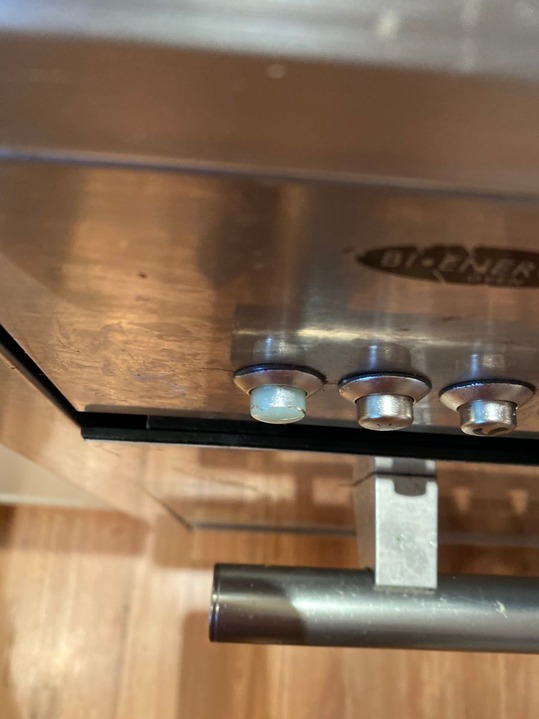
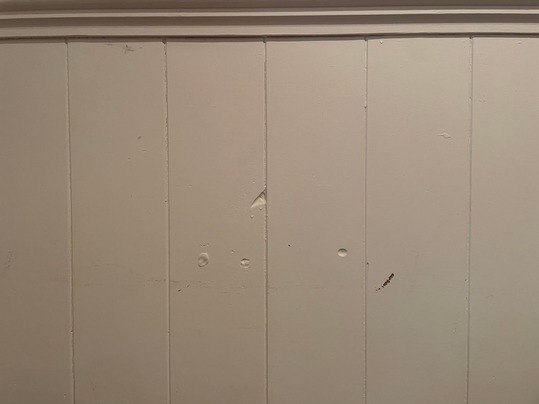
Record a video of the smoke alarm test or the leak, photograph every deficiency, and add notes and maintenance items on any standard.
Saved for later
Works offline, from day one
Inspect basements and boiler rooms with no signal. The inspection saves on the phone and uploads when you're back in range.
myinspections.com
Top Shelf Property Co.1 555 5555topshelfproperty@example.com
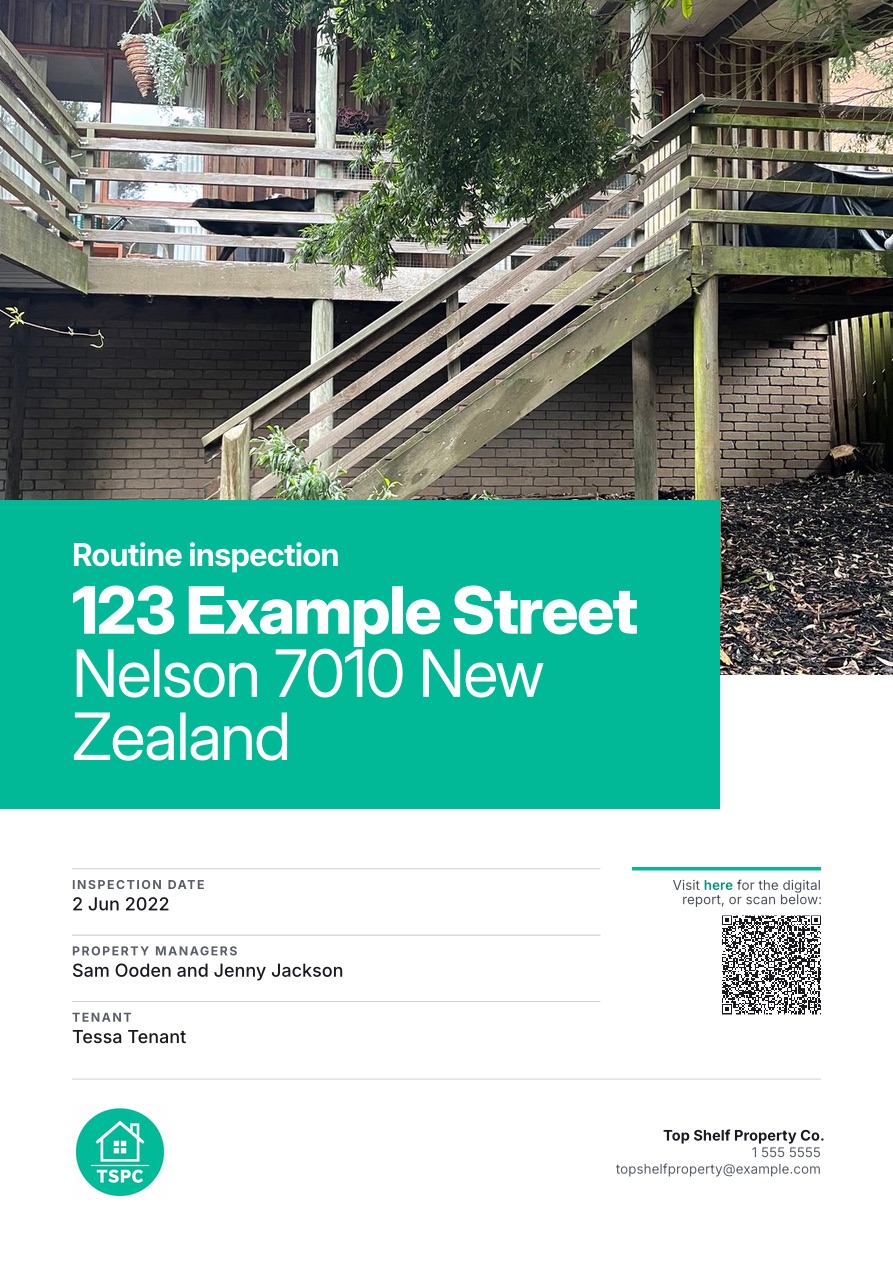
Routine inspection123 Example Street
Date2 Jun 2022Property managersSam Ooden and Jenny JacksonTenantTessa Tenant
KitchenRequires attention
Notes: Faint water stain below sink, flag for future water damage
Reports
Reports, ready the moment you finish.
The report is ready the moment the inspection finishes: every answer under its standard, photos in place, and your logo on the cover. Send a link that opens in any browser, or the PDF.
Branded with your logo and color
Digital reports open in any browser, no account needed
Export one report or hundreds when HUD, a funder, or your board asks
It lands in the report's maintenance list, ready to export to your maintenance system. The follow-up inspection is one booking away.
myinspections.com
Top Shelf Property Co.
Home
Properties
Templates
Inspections
Team
Templates/NSPIRE inspection
NSPIRE inspection
Smoke Alarm
Smoke alarm is not installed where required.* · Smoke alarm is obstructed. · Smoke alarm does not produce an audio or visual alarm when tested.
Carbon Monoxide
Carbon monoxide alarm is missing, not installed, or not installed in a proper location.* · Carbon monoxide alarm is obstructed. +1 more
Electrical - GFCI/AFCI
GFCI outlet or GFCI breaker is not visibly damaged and the test or reset button is inoperable. · An unprotected outlet is present within six feet of a water source.* +1 more
Water Heater
No hot water. · Gas shutoff valve is damaged, missing, or not installed. +2 more
Back
Completed1
Entrance
Add an area
Suggestions from NSPIRE inspection template
ToiletAdd
WindowAdd
EgressAdd
InfestationAdd
Mold-Like SubstanceAdd
Leak - WaterAdd
NSPIRE
HUD's NSPIRE checklist, ready to run.
We built our NSPIRE checklist with affordable housing providers, so it runs the way the inspection does: all 63 standards in HUD's order, each answered No issue, N/A, or where the deficiency is and how severe. Photos, video, notes, and maintenance items go on any standard.
NSPIRE is technical, and your inspectors need HUD's training to run it. Once they have it, the walk is quick. Your team reviews the report and records the pass or fail decision, and supporting documents stay with the property.
Move-in - 14 May 2025
Routine - 4 Feb 2026
Routine - 8 Sep 2026
details.txtMarkdowndetails.jsonJSONRoutine - 8 Sep 2026.pdfPDFPhotos and VideosJPG · MP4
AI agent
123 Example Street
Using all my inspections, pull every maintenance issue from the last two years into a dashboard.Maintenance, last 2 years3 inspections8issues3still open14photos
Maintenance, last 2 years3 inspections8issues3still open14photosRoomItemStatusKitchenScratches on benchOpenKitchenWater stain below sinkOpenBathroomDripping tapFixedExteriorGutters need clearingOpen3 work orders draftedKitchen: repair scratches on benchDraftKitchen: check for leak below sinkDraftExterior: clear guttersDraft6 yard videosFront yard14 May 2025Back yard4 Feb 2026Back yard8 Sep 2026
Your workflow
Keep your existing system, or use ours.
Some customers run their inspections here and bring the reports into the tenancy management system they already use. Others run their whole workflow here: scheduling inspections with reminders, running them, recording maintenance, keeping each unit's contacts and notes, and using us as their document storage.
Export one inspection or all of them as PDF, JSON, and plain text
Exports come with every photo and video, ready for your own AI tools
Yes. HUD's NSPIRE inspection checklist is in our template library: all 63 standards in HUD's order, each answered No issue, N/A, or the location of the deficiency with HUD's severity in front of it. Import it and every NSPIRE inspection starts from it. myInspections doesn't score the inspection or decide pass or fail; your team reviews the report and records the decision.
Is myInspections approved by HUD?
No. myInspections isn't approved or certified by HUD. It runs HUD's NSPIRE checklist as published, and your trained inspectors and your team make and record the pass or fail decision.
Does the myInspections app work offline?
Yes, and it has from day one. Run the whole inspection with no signal, then upload it when you're back in range or back at the office.
Can we see it before we buy?
Yes. Open our example report and press PDF to see the printed version. Or start a 14-day free trial, cancel any time, no contract: walk your own office first to get a feel for the app, then add the NSPIRE template to see how it handles the technical side. If you'd rather see it with us, email hello@myinspections.com for a demo.
How long does setup take?
Usually an afternoon. Bulk import your units from a spreadsheet, import your templates from the library, and invite your team. We're happy to get on a call and help however you need. We're based in New Zealand and Australia, so late afternoon US time works best.
We use contractors or one-off inspectors. Can they do just one inspection?
Yes. Assign someone to a single property, for one inspection or for as long as you need. They see that property and nothing else, and you can remove their access any time.
Can the resident sign on the spot?
Yes. The resident reviews and signs on the inspector's phone before they leave, or later in their own browser from a secure link, with no account and no app download. If something was missed, they can add a photo, video, or note before signing, and it's recorded on the report.
Does it work with our housing management system?
Keep every inspection in myInspections, or send the reports wherever your tenant files live. Each inspection exports as a PDF, JSON, and plain text with every photo and video. We're connected to myRent and building more integrations; tell us which system you use.
Who owns the data, and where is it stored?
You do. Your data is stored in the US. Export your inspections at any time, and records stay with your organization when an inspector leaves. Every change to a finished inspection is kept as a version you can review.
Can we buy it as an organization?
Yes. Set up the account with your organization's name and start on the Max plan, which has unlimited seats and no per-seat fees. The Plus plan covers up to 3 seats. Annual billing is discounted.
What happens if something breaks?
We monitor myInspections around the clock, so we know right away when something breaks badly. Either way, email us any time at hello@myinspections.com.
Take charge of your inspections.
Move-in, routine, move-out, and NSPIRE, in one easy app for your whole team.