Where photo timestamps appear in your reports
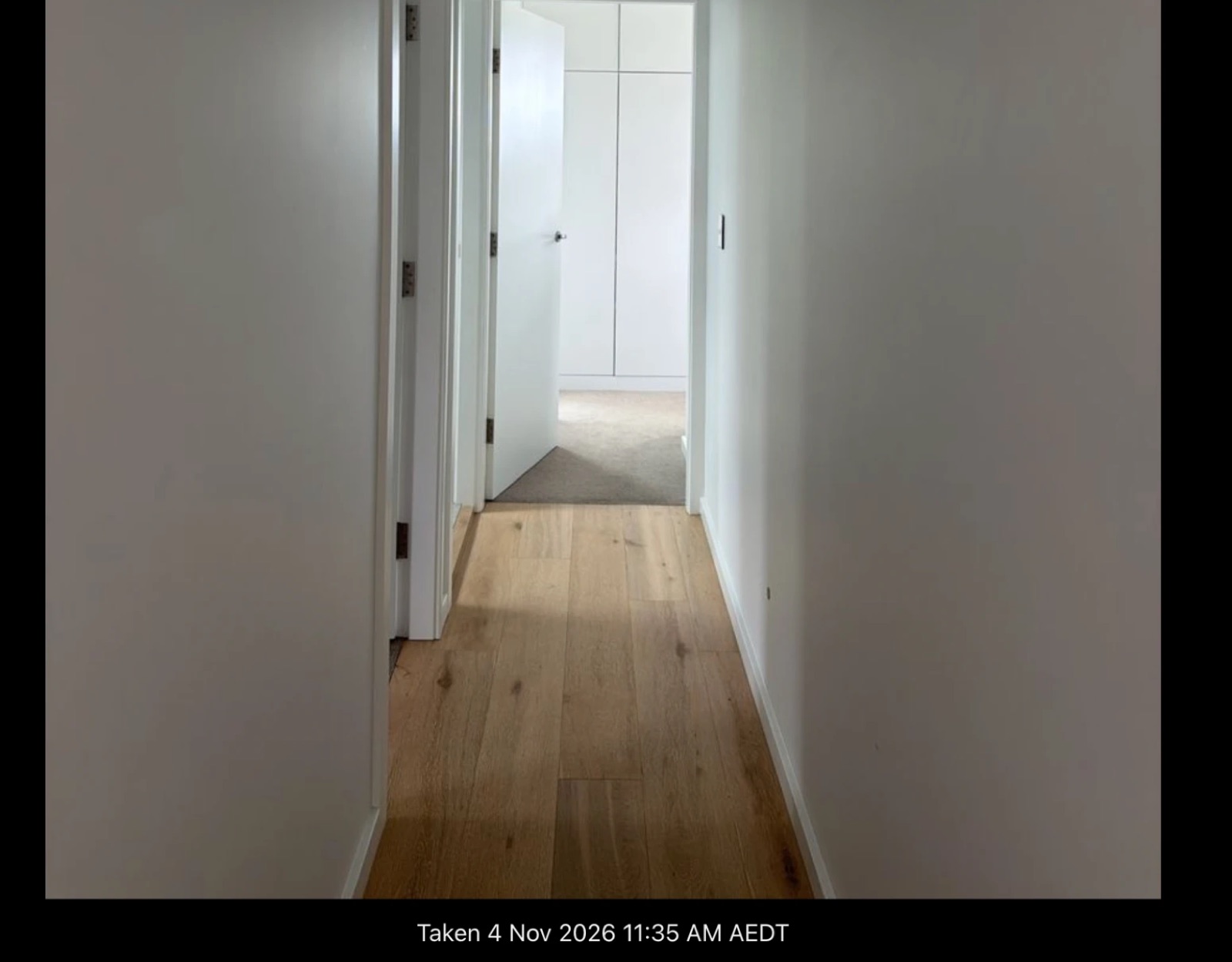
Every photo with a known time shows the date and time it was taken, in both the PDF and the digital report.
In the PDF report
The date and time sit beneath each photo.

In the digital report
Open any photo to see when it was taken, beneath the photo.
Where the time comes from
- Taken in the app. We record the time the moment you take the photo or video, so it doesn't rely on the file.
- Added from your photo library. We do our best to read when it was taken from your phone's photo library or the file itself. If neither holds a time, it shows no timestamp.
We also keep a record of whether each photo was taken in the app or added from a photo library, in case a report is ever disputed.
Still need help?
Email us and someone on our team will get back to you. We're happy to jump on a call and walk you through it, too.
hello@myinspections.com